


Restoring Help Text For Description in Latest Optimizely CMS
It's been a well known CSS hack for a while to force the showing of the description text for a property in to the editor view rather than a hover as per these articles
https://buildoptimizely.com/episerver/optimizely-cms-12-help-text-and-expanded-input-text-boxes/
https://talk.alfnilsson.se/2014/12/18/display-help-text-in-on-page-editing/
However in a recent version of CMS this broke due to updated UI around the all properties view.
With the following replacement CSS this will restore a similar features
div.dijitTabPaneWrapper div:has(div.oui-pop--over) {
    display: block !important;
}


div.dijitTabPaneWrapper div.click-area {
    display: none !important;
}

div.dijitTabPaneWrapper div.oui-pop--over {
    border: none !important;
    max-width: 600px;
    font-style: italic;
    color: red;
}
With this applied you'll get an interface that looks like this
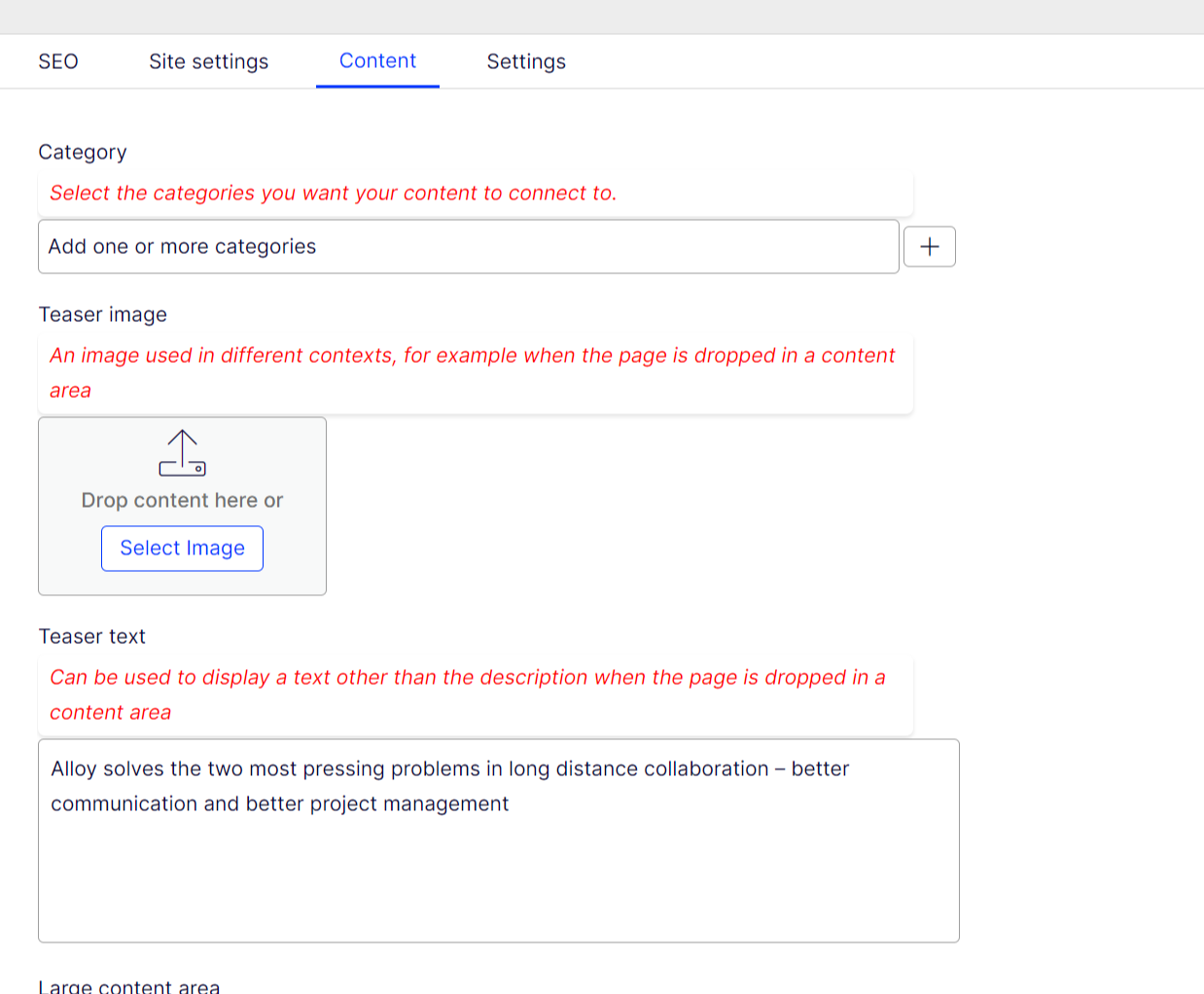
This is working in Chrome and Edge and will restore the inline text and remove the popup icon, only for the main properties area.
I've highlighted it red but feel free to modify.
As per the previous guides this needs to be placed in a CSS file such as this editmode.css
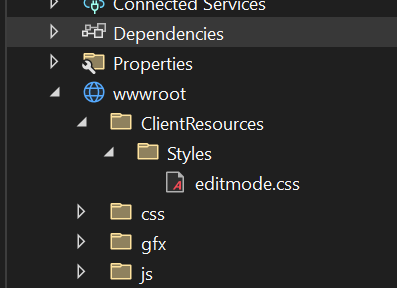
And then registered in a module.config in the application root (not wwwroot) such as
<?xml version="1.0" encoding="utf-8" ?>
<module>
	<clientResources>
		<add name="epi-cms.widgets.base" path="Styles/editmode.css" resourceType="Style"/>
	</clientResources>
</module>
Comments